Claims
Create, share and manage protected land on BambiSMP.
Create a claim
- Hold a golden shovel.Any normal golden shovel works as the claim tool.
- Right-click the first corner.Choose one corner of the area you want to protect.
- Right-click the opposite corner.The server will show the completed border.
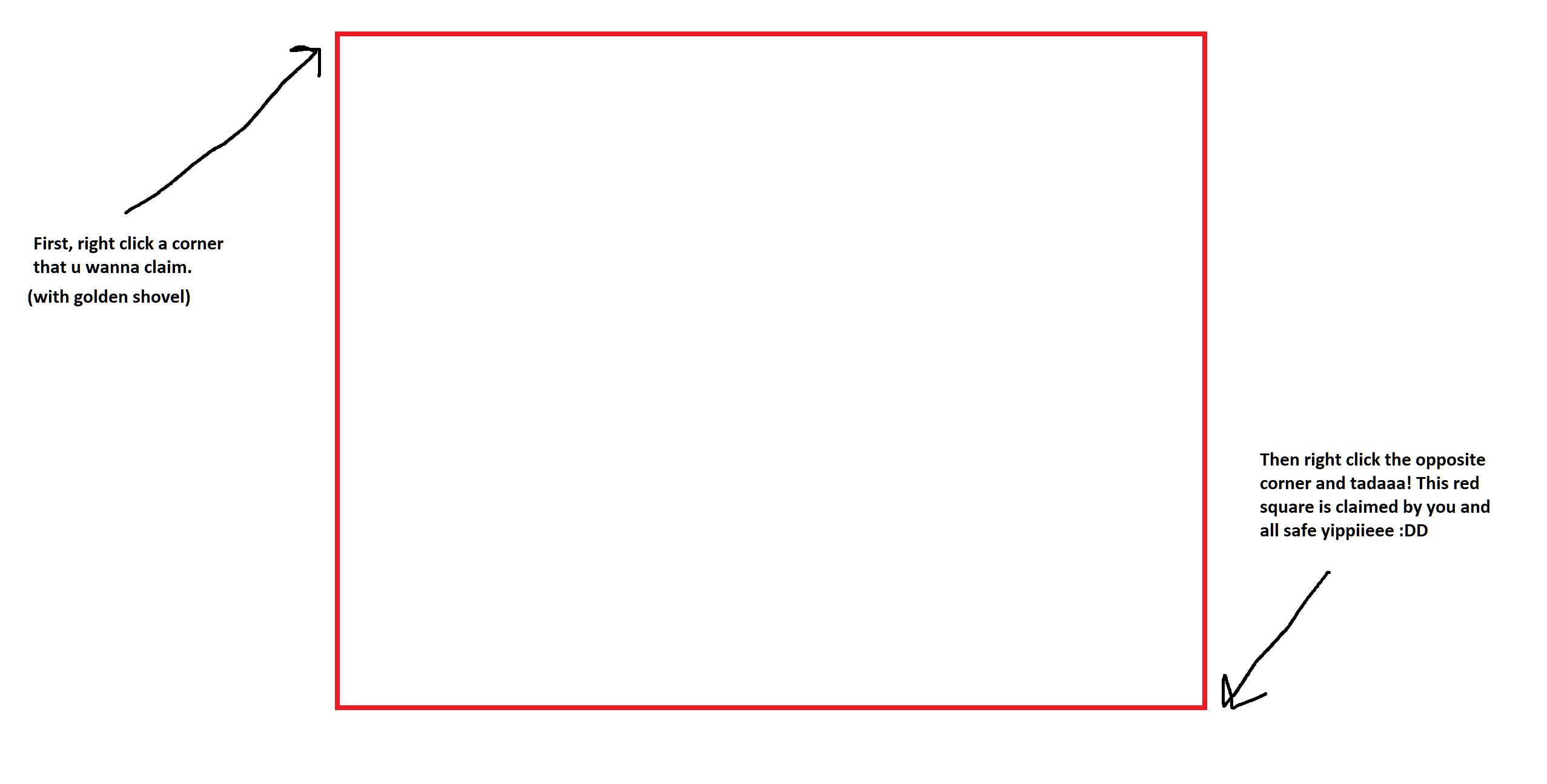
Hold a stick and right-click the ground inside a claim whenever you want to see its border again.
Claim limits
4,000starting blocks
50blocks per active hour
7claims per player
A claim must be at least 100 blocks in area and at least five blocks wide. Claim blocks are fully returned when you abandon a claim.
Share safely
/trust PlayerNameBuild, containers and switches./containertrust PlayerNameContainers, animals, beds, buttons and doors; no building./accesstrust PlayerNameButtons, levers, beds and doors only./untrust PlayerNameRemove that player's access from your current claim.Use all instead of a name only when the area is intentionally public.
Manage a claim
/claimslistList your claims and remaining blocks./abandonclaimDelete the claim you are standing in and recover its blocks./abandonallclaimsDelete every claim you own. Use with care.Style your claim on the live map
/claimtitle My BaseSet the title shown when someone hovers over your claim./claimmsg Welcome!Add a short hover message./claimcolor FF9CEBSet the claim fill colour using a hex value./claimoutline 4C3043Set the border colour. Use reset to restore defaults.