
Food & Cooking
How to start using BambiSMP’s active cooking datapacks.
Crop & Kettle
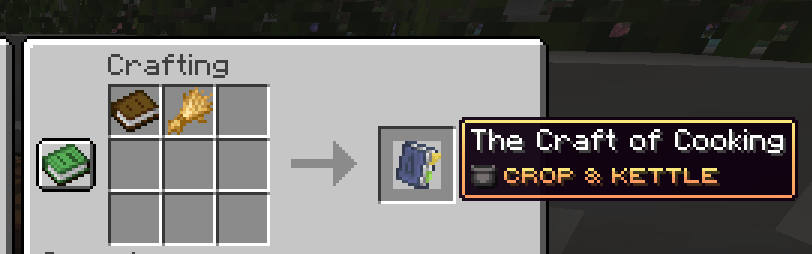
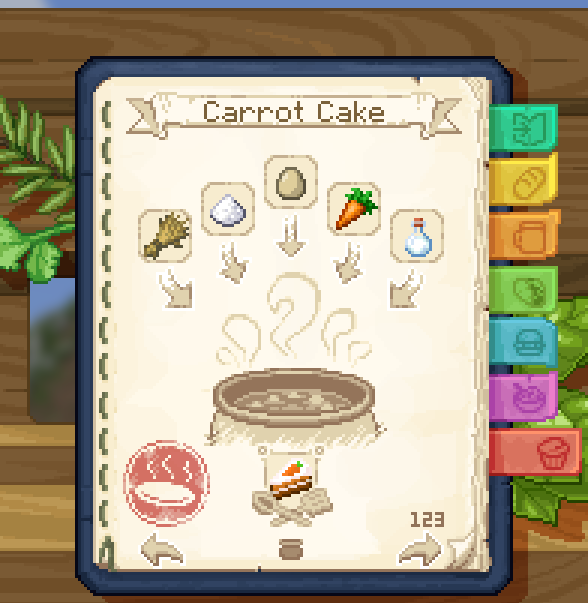
Start by crafting The Craft of Cooking with a book and wheat. The cookbook explains where crops come from and gradually reveals recipes as you discover ingredients.
Its kitchen includes a cutting board, mixing bowl, cooking pot, stove, basin, faucet, pail and distiller. Use the cookbook page for a dish, prepare the listed ingredients with the matching workstation, then collect the finished food. The distiller and wine rack handle drinks with different effects.
Josh's More Foods
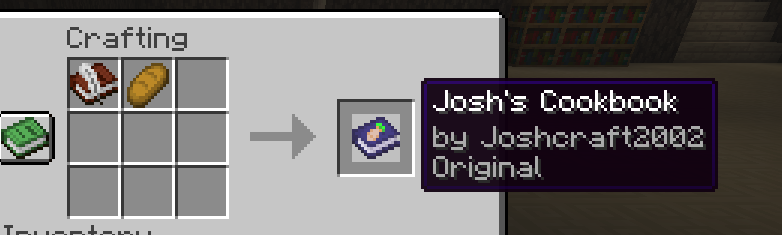
Craft Josh's Cookbook from bread and a book and quill. It contains the pack's recipes and explains the Cooking Station.
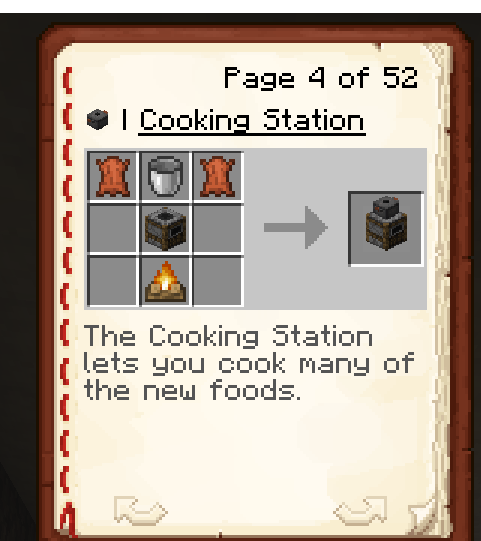
- Craft and place a Cooking Station.Right-click it to open its custom interface.
- Add the listed ingredients.Some recipes also use the station's water tank.
- Collect the result.The pack includes tea, rice, soups, pies, bread and many other meals.
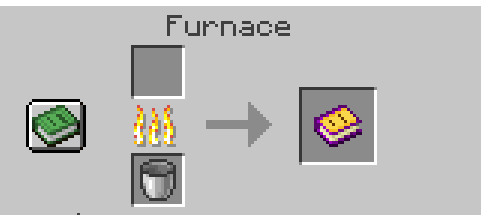
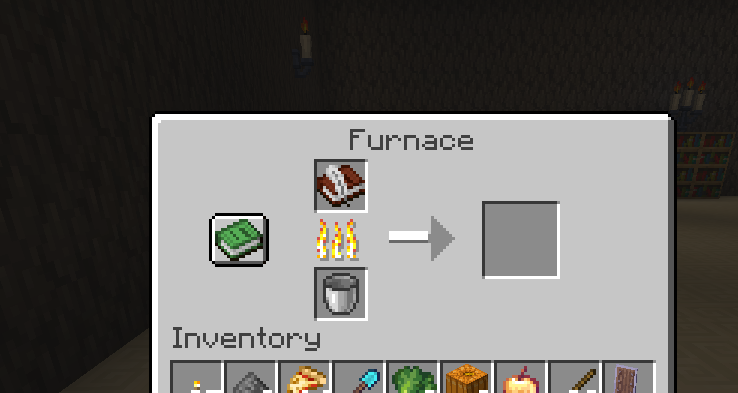
If an old cookbook ever misses new pages, place it into the Cooking Station as an input to update it.
Reg's More Foods
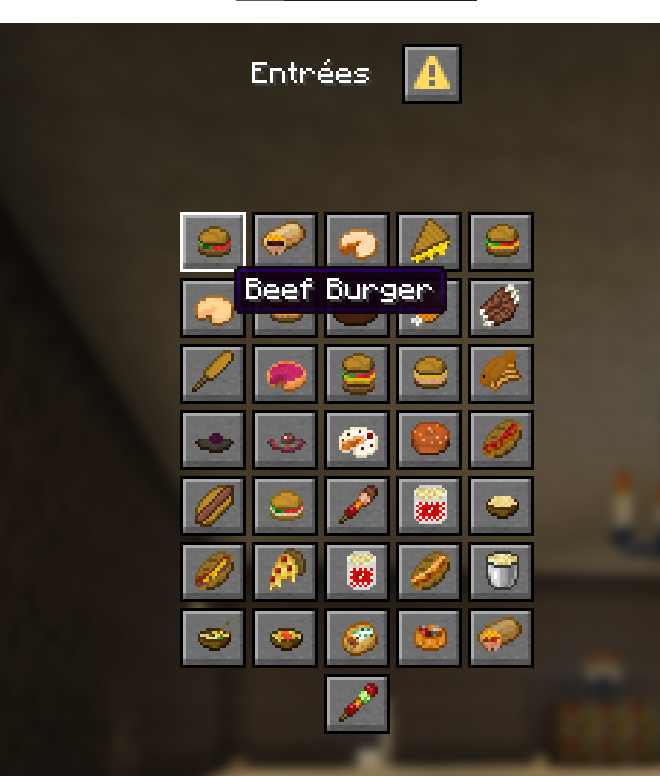
Craft a Gourmand's Digest for the in-game recipe guide. The pack adds more than 200 foods, including burgers, pizza, tacos, ice cream, smoothies, cakes and drinks.
Some recipes use special tools such as a cooking pot, cutting board or frying pan. For frying-pan recipes, hold the pan in your main hand, the ingredient in your off hand, stand by a valid heat source and hold use until cooking finishes.
Recipe tips
- Use the correct pack's cookbook; the packs have different workstations.
- Accept the resource pack before judging how an ingredient looks.
- Do not rename ingredients unless a recipe specifically asks for it.
- If a custom recipe is not visible in the vanilla recipe book, follow its cookbook layout manually.