Player Warps
Browse, visit, create and manage public destinations through one menu.
Browse warps
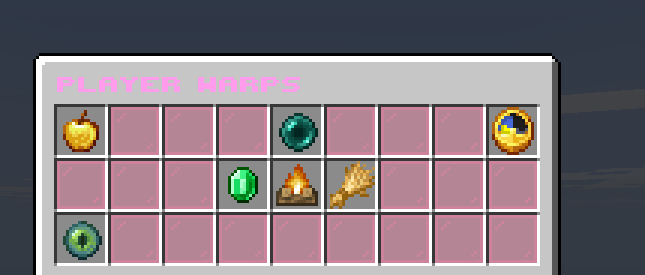
/pwOpen the Player Warps browser. /playerwarps also works.Use categories, search, ratings, favourites and recent visits to find shops, farms and other public places. Teleporting takes three seconds and cancels if you move.
Create a warp
- Stand at the exact destination.Face the direction visitors should face.
- Open
/playerwarps.Select “Create Your PlayerWarp”. Direct create commands are intentionally blocked. - Choose an available category.You may own one warp in each category, up to three total.
- Name it.Use 1–16 letters, underscores or hyphens. Names must be unique.
Creating a warp is free. The server checks the destination for safety before accepting it.
Manage your warps
Open your warp from the “My Warps” section to change its icon, description, access list, location or other public details. Keep the destination inside land you control and do not move it into traps or private builds.