
Homes & Teleporting
Use the custom home menu, player teleport requests and safe random teleporting.
Home menu
/home and /sethome open BambiSMP's custom Homes screen. Member starts with three slots, Voter has four, Active has five and Bambi has six. Select an empty slot while standing where you want the home, then use its detail screen to teleport, rename it, choose an icon or delete it.
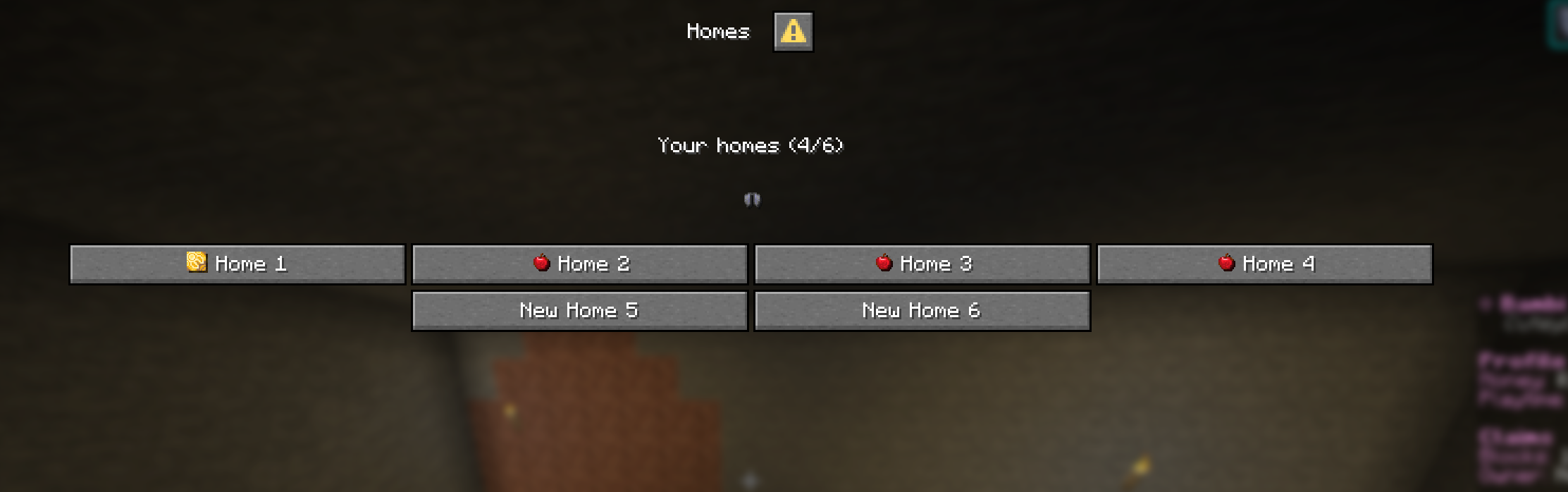
No memorising home names.
The buttons in the menu manage everything. Deleting a home asks for confirmation first.
Player teleports
/tpa PlayerNameAsk to teleport to that player./tpahere PlayerNameAsk that player to teleport to you./tpacceptAccept the latest request./tpdenyDecline the request.Teleport requests are requests, not a way around claim access or another player's boundaries.
Other travel
/warpOpen the server warp menu./rtpStart a five-second safe random teleport. Moving cancels it./backReturn to your previous teleport or death location.