
Quickstart
Join the survival world, find a home, protect it and learn the basic BambiSMP commands.
1. Join the world
Connect using the server address and accept the resource pack. Read the starter book in your inventory, then use the lobby portal to enter survival.
2. Find a place
Explore normally or ask the server for a safe random location. The teleport begins after five seconds and cancels if you move.
/rtpFind a random unclaimed area in the survival world.3. Protect your home
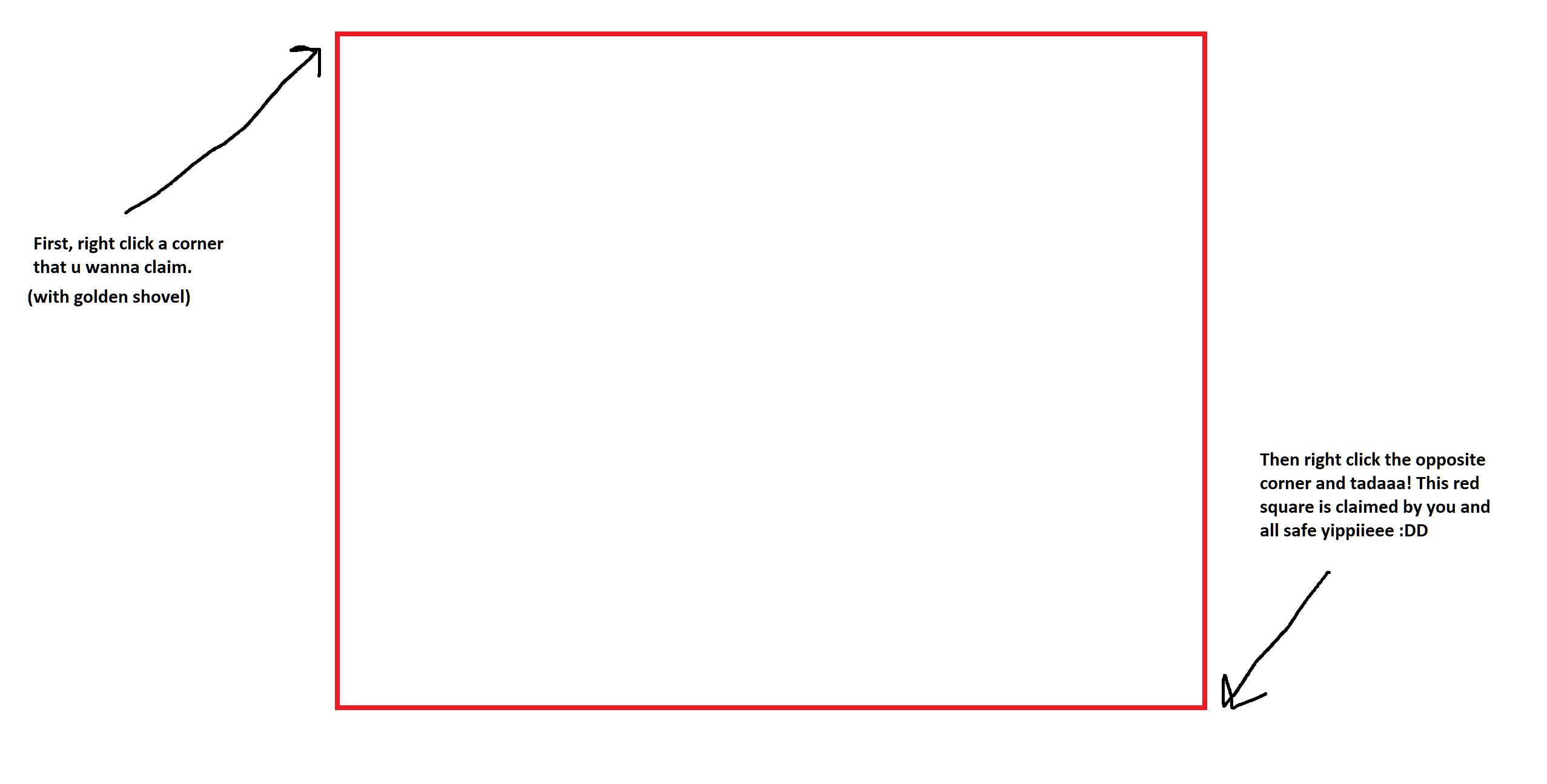
Craft a golden shovel and right-click two opposite corners of your planned base. Use a stick later to show the border again. New players begin with 4,000 claim blocks and earn 50 more for each active hour.
/trust PlayerNameGive a friend full build access inside the claim./claimslistSee your claims and remaining claim blocks.4. Save and travel
The custom home menu starts with three slots; Voter, Active and Bambi ranks unlock additional slots. Both commands below open the same menu, where you can set, rename, decorate, teleport to or delete a home.
/homeOpen your Homes menu./tpa PlayerNameAsk to teleport to another player./tpacceptAccept a pending teleport request.5. Earn and explore
Sell ordinary ores, crops and bakery items through /sell, complete /quests, vote with /vote, and browse public destinations with /pw. The live map is available at map.bambigames.site.